

Quick answer
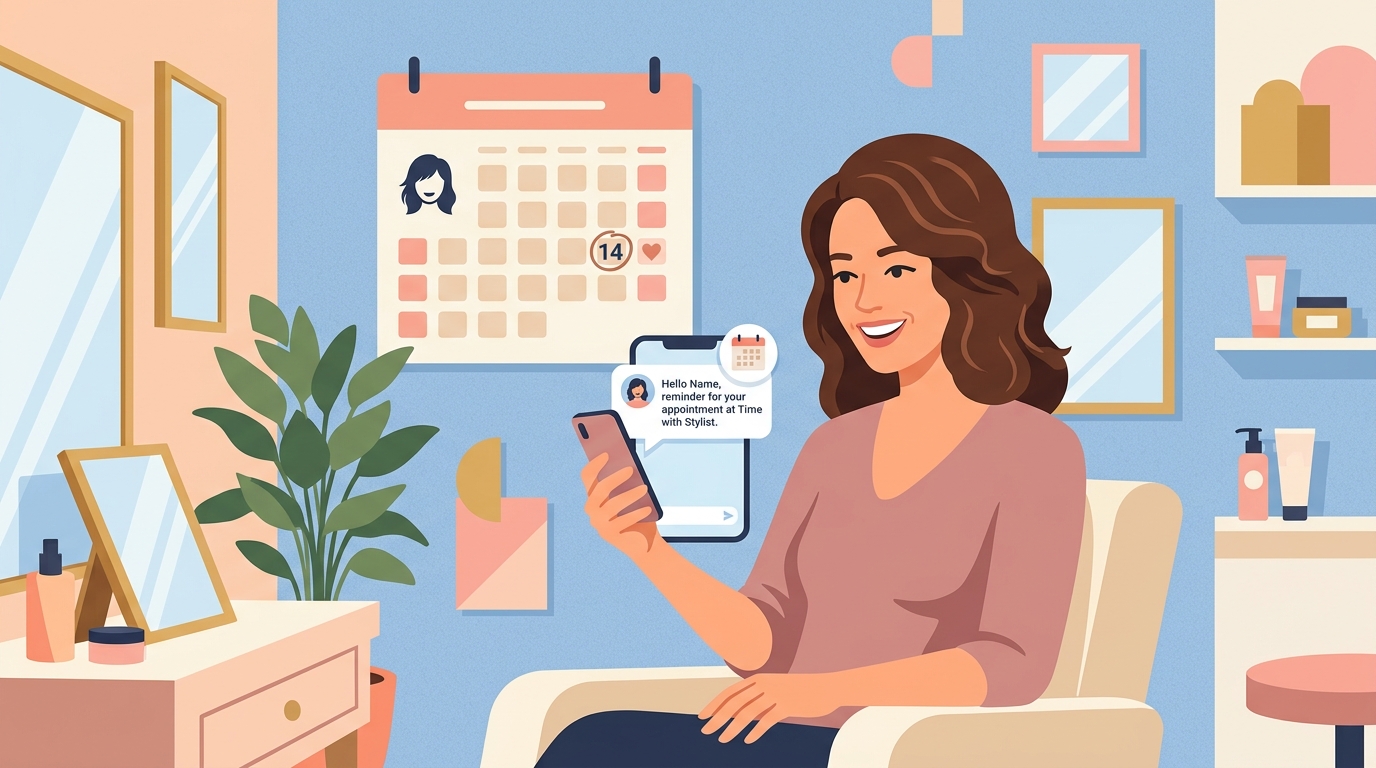
AI appointment reminder software sends automated text, email, or voice reminders before a scheduled appointment and lets customers confirm, reschedule, or cancel without a phone call. It’s one of the most effective, low-cost ways small service businesses reduce no-shows.
Key takeaways
- Automated reminders are sent by text, email, or voice call before the appointment time.
- Customers can confirm, reschedule, or cancel with one tap, which reduces silent no-shows.
- Two reminders (a day before and an hour before) tend to work better than just one.
- Most reminder tools integrate directly with the scheduling software you already use.
- No-show reduction is one of the fastest-paying-off automations for salons, clinics, and contractors.
An empty chair at 2pm because someone just forgot is one of the most frustrating kinds of lost income – it’s not that they didn’t want your service, they simply lost track of the day. A well-timed reminder is a small, kind nudge that fixes most of that, without you having to be the one to send it every single time.
How does AI appointment reminder software work?
It connects to your calendar or booking system and automatically sends a message at set intervals before each appointment – commonly the day before and again an hour ahead. Customers can usually reply to confirm, tap a link to reschedule, or cancel outright, and your calendar updates itself accordingly.
How to set it up (step-by-step)
- Connect your calendar or scheduling tool so the reminder system always has accurate appointment times.
- Write a short, friendly reminder message that includes the date, time, and an easy way to reschedule or cancel.
- Set two reminder times – one 24 hours before, and a shorter one about an hour before.
- Test it on your own appointment first to make sure the message and timing feel right before it reaches real customers.
Frequently asked questions
What’s the best time to send an appointment reminder?
Most businesses see good results sending one reminder 24 hours before the appointment and a second, shorter one about an hour before.
Do customers actually respond to automated reminders?
Text reminders in particular tend to get high response rates since most people read a text message within minutes of receiving it.
Can reminders let customers reschedule directly?
Yes, most tools include a link or reply option that lets the customer pick a new time themselves, without a phone call.
Will this feel impersonal to my customers?
A well-written, friendly reminder message generally feels helpful rather than robotic – the key is writing it the way you’d actually text a customer yourself.
Final thoughts
You can’t control whether someone’s day gets busy and a appointment slips their mind – but you can make sure they get a gentle, well-timed nudge before it costs either of you the afternoon. It’s a small thing to set up and it quietly protects your schedule every single week.
Want help choosing the right reminder setup for your business? Reach out through deivyhernandez.com.