

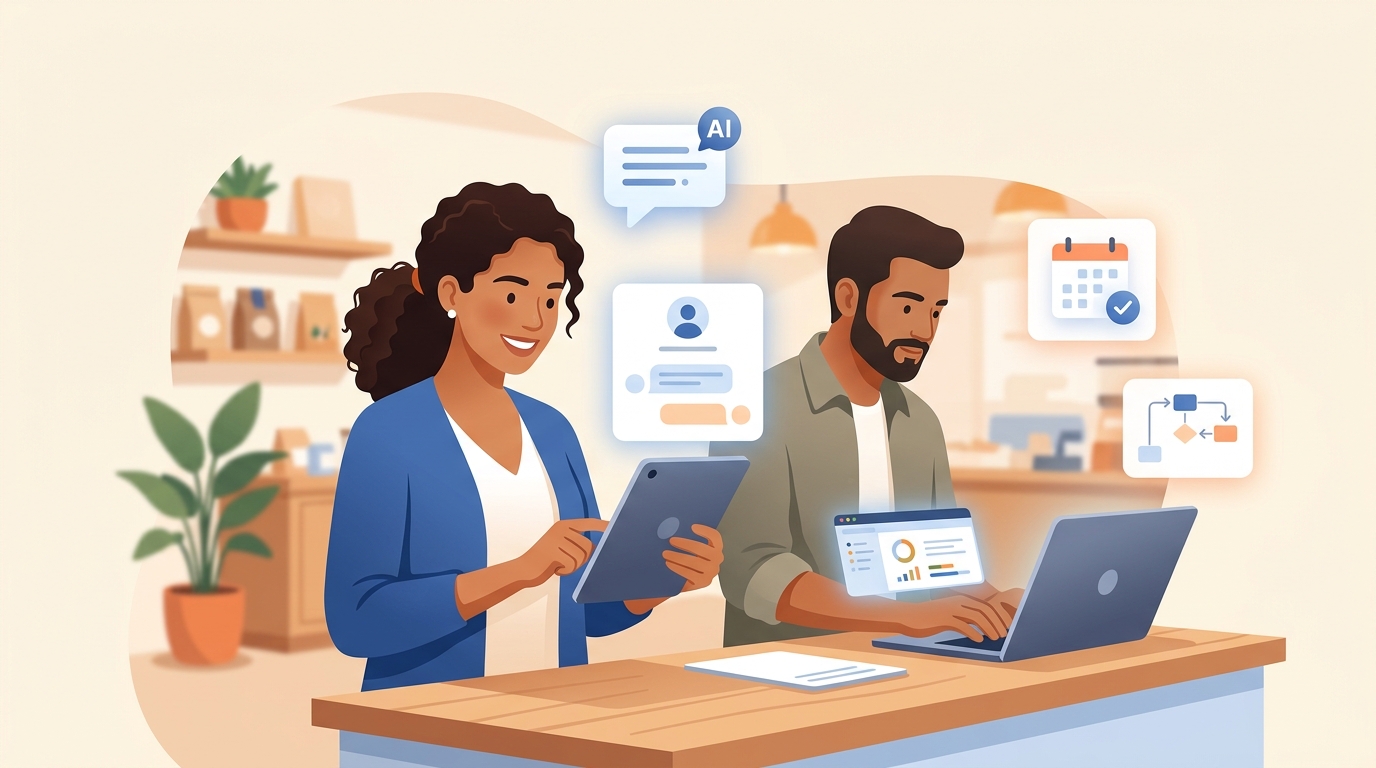
Running a small business means wearing every hat: sales, scheduling, bookkeeping, marketing, and customer service, often all before lunch. That leaves almost no time to evaluate new technology — even though AI automation has become one of the fastest, cheapest ways for a small business to compete with much larger companies.
Quick Answer
AI automation for small business means using AI-powered software to handle repetitive tasks — customer service, appointment scheduling, lead follow-up, invoicing, and marketing content — without a person doing them manually every time. The highest-impact starting points for most small businesses are an AI chatbot for frequently asked questions and automated appointment reminders. Most owners can set up their first automation in a single weekend using no-code tools, without hiring a developer.
Key Takeaways
- AI automation removes repetitive tasks (FAQs, reminders, data entry) so business owners can focus on sales and service quality.
- Meet customers on the channel they already use — website chat, SMS, WhatsApp, or Instagram DMs — rather than forcing them into a new one.
- Bilingual AI chat and voice tools can now respond fluently in multiple languages without needing bilingual staff on every shift, which is a real advantage for businesses serving diverse communities.
- Start with ONE workflow (usually customer FAQs or appointment reminders), test for two weeks, then expand.
- Most tools available today (chatbots, scheduling, bookkeeping AI) are no-code and do not require a developer or a large budget.
What “AI Automation” Actually Means for a Small Business
AI automation means using software that can understand language, make decisions, and take action — without a human doing it manually every time. For a small business, that usually looks like:
- A chatbot that answers common customer questions on your website, SMS, or WhatsApp 24/7.
- A system that automatically follows up with a lead who filled out a form but never booked.
- Software that reads an invoice or receipt and enters it into your books for you.
- A tool that turns one piece of content into a week’s worth of social media posts.
None of this replaces you or your team. It removes the repetitive, low-value tasks so you can spend your time on the things that actually grow the business: relationships, quality, and word of mouth.
6 High-Impact Areas to Automate First
1. Customer Service & FAQs
Set up an AI chatbot that can answer your most common questions (hours, pricing, location, availability, return policy) on your website and on whichever messaging channel your customers actually use. For businesses serving bilingual communities, a chatbot that responds fluently in both English and Spanish (or another relevant language) can eliminate the need for a bilingual staff member on every shift.
2. Appointment Scheduling & Reminders
Tools like Calendly, Acuity, or Square Appointments combined with automated SMS/email reminders reduce no-shows — widely considered one of the highest-ROI automations for service businesses (salons, clinics, contractors, consultants).
3. Lead Follow-Up
Many small businesses lose leads simply because nobody follows up fast enough. An automated sequence (email, SMS, or chat) that responds within minutes of a form submission, then follows up again in 24 and 72 hours, recovers sales that would otherwise go cold.
4. Invoicing & Bookkeeping
AI-powered features inside tools like QuickBooks, Wave, or Bill.com can read receipts, categorize expenses, and flag unpaid invoices automatically — cutting hours of manual data entry every month, which matters most during tax season.
5. Marketing Content & Social Media
AI writing and image tools (ChatGPT, Canva’s AI features, Jasper) let one person produce a week of social posts, email blasts, and flyers in a fraction of the time it used to take to write one post.
6. Reviews & Reputation Management
Automated review requests sent after every completed sale or service, plus AI-drafted responses to Google/Yelp reviews, help keep your online reputation strong without relying on remembering to ask every customer manually.
How to Get Started: A 4-Step Plan
Step 1 — Audit where your time actually goes
For one week, write down every repetitive task you or your team does more than 3 times a day. This list is your automation roadmap.
Step 2 — Pick ONE workflow, not ten
Choose the task that’s both frequent and low-risk to automate first — usually customer FAQs or appointment reminders. Trying to automate everything at once is one of the most common reasons small business automation projects stall.
Step 3 — Choose a tool that fits your channels and customers
Make sure whatever you pick connects to the channel your customers actually use (website chat, SMS, WhatsApp, or Instagram DMs), and supports any additional languages your customer base needs.
Step 4 — Test for 2 weeks, measure, then expand
Track one number before and after (response time, no-show rate, hours spent on bookkeeping). If it works, automate the next workflow on your list.
A Quick Example
Picture a family-owned restaurant that gets a steady stream of order and reservation questions by phone and text throughout the day. Before automation, someone had to stop cooking or serving every time a message came in. After setting up a simple AI-powered chat assistant that handles hours, menu questions, and reservation confirmations — in English and Spanish, since many of their regulars prefer Spanish — that same person gets to stay focused on the kitchen, and the restaurant stops losing orders during the dinner rush when nobody can answer fast enough.
Common Mistakes to Avoid
- Automating before you document the process. If you can’t explain the steps clearly, the AI tool can’t either.
- Ignoring the languages your customers actually speak. If a meaningful share of your customers prefer a language other than English, build that into your automation from day one.
- Choosing a tool because it’s popular, not because it fits your workflow. The best tool is the one your team will actually use.
- Trying to do it all yourself with no technical background. Most of these tools now have no-code setups, but a short consultation can save weeks of trial and error.
Frequently Asked Questions
What is AI automation for a small business?
AI automation for a small business is the use of AI-powered software to handle repetitive tasks – like answering customer questions, scheduling appointments, following up with leads, or entering invoices – automatically and without manual effort each time.
Is AI automation expensive for small businesses?
No. Most small business AI automation tools (chatbots, scheduling software, bookkeeping AI) are available on affordable monthly plans and are designed to be set up without a developer, making them accessible even for very small businesses.
Can AI automation support multiple languages?
Yes. Modern AI chat and voice tools can respond fluently in multiple languages, including English and Spanish, which helps businesses serving diverse communities offer consistent customer support without needing multilingual staff on every shift.
What should a small business automate first?
The best starting point is usually whichever channel customers already use most, paired with an AI chatbot for frequently asked questions, plus automated appointment reminders if the business takes bookings.
Do I need technical skills to set up AI automation?
Generally no. Most current AI automation tools for small businesses are no-code, meaning they can be configured through simple forms and settings rather than programming. A short consultation can still help avoid trial-and-error when choosing the right tool.
Final Thoughts
AI automation is no longer a “big company” advantage. For small businesses of any kind in the U.S., it’s one of the fastest ways to close the gap with larger competitors — without hiring more staff or working more hours. Start with one workflow, make sure it fits how your customers actually reach you, and build from there.
Want help figuring out exactly which automation would save your business the most time? Reach out through deivyhernandez.com and let’s map it out together.