

Quick answer
AI invoicing software auto-generates, sends, and follows up on invoices, and can flag late payments before they become a problem. As of July 2026, many tools are free for a small number of monthly invoices, with paid plans starting around $10-$30/month.
Key takeaways
- AI invoicing tools generate professional invoices automatically from a quote, job, or recurring schedule.
- They can send automatic payment reminders, so you’re not the one chasing down late payments.
- Many tools flag which invoices are at risk of going unpaid before it becomes a real problem.
- Free plans typically cover a handful of invoices per month; paid plans start around $10-$30/month.
- Set up recurring invoices for repeat customers once, and never manually re-create them again.
Chasing down a late payment is one of those tasks that feels awkward no matter how many times you do it – like you’re the one being unreasonable for wanting to get paid for work you already did. AI invoicing software takes that uncomfortable follow-up off your plate entirely, sending a polite reminder for you while you focus on the actual job.
How does AI invoicing work?
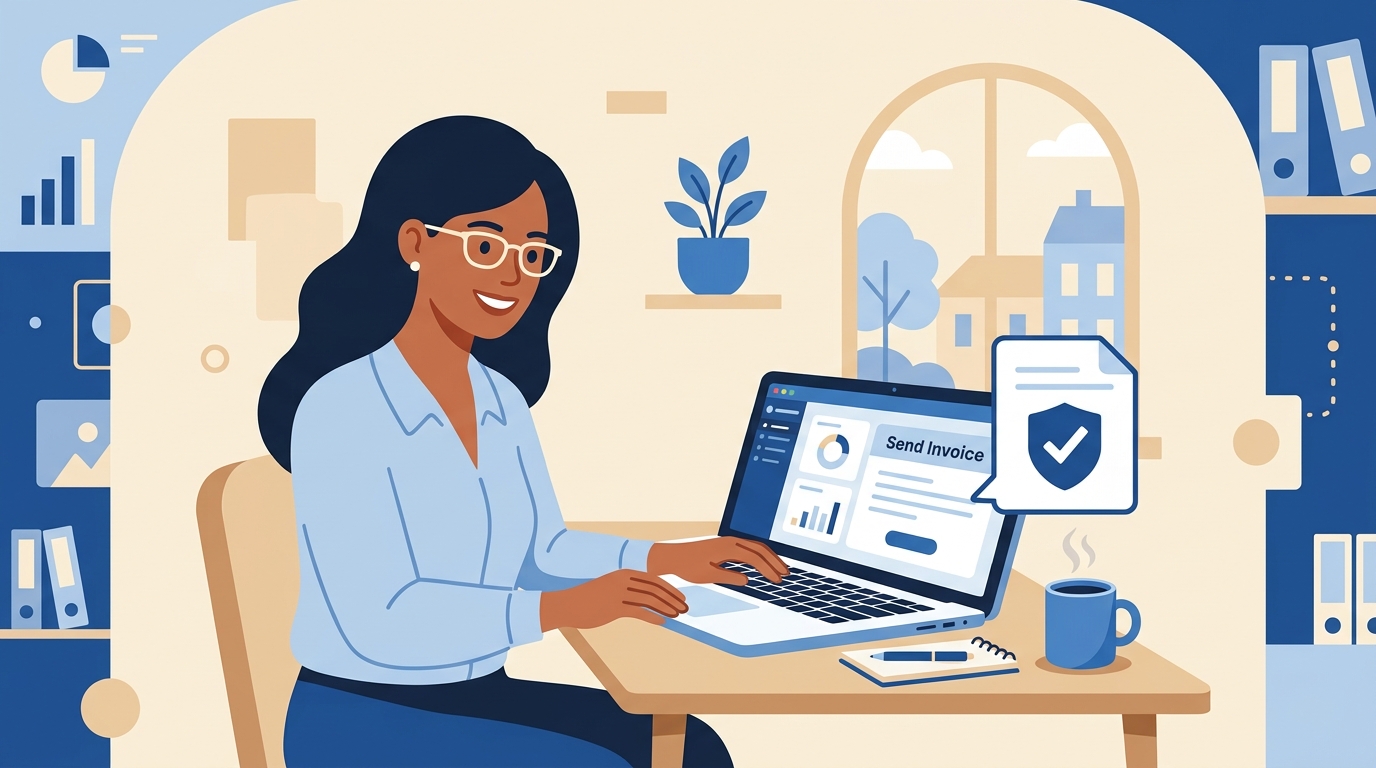
Once a quote is accepted or a job is marked complete, the software generates a professional invoice automatically, sends it to the customer, and tracks whether it’s been viewed or paid. If a payment is late, it sends a scheduled, friendly reminder on your behalf, and many tools will flag a customer as a payment risk if they’ve been slow before.
How to set it up
- Connect it to your quoting or job-tracking tool so invoices generate automatically instead of manually.
- Set up recurring billing for any repeat customers or subscription-style services.
- Turn on automatic payment reminders at 3, 7, and 14 days past due.
- Enable online payment options so customers can pay directly from the invoice with one click.
Frequently asked questions
Can AI invoicing software handle recurring billing?
Yes, most tools let you set up a recurring invoice once for a repeat customer, and it generates and sends automatically on schedule from then on.
Will it chase late payments for me?
Most tools send automatic, polite reminder emails on a schedule you set, so you don’t have to personally follow up on every overdue invoice.
Is it safe to accept online payments through these tools?
Reputable invoicing platforms use established, secure payment processors, so accepting card or bank payments directly through an invoice is generally considered safe and convenient.
Do I need accounting software too, or does invoicing cover it?
Basic invoicing tools handle billing well on their own, but connecting to full accounting software gives you a complete picture for tax time and financial reporting.
Final thoughts
Getting paid on time shouldn’t require an uncomfortable phone call every month. Let the software send the reminder, so the only conversation you’re having with your customer is about the great work you did for them.
Want help picking the right invoicing setup? Reach out through deivyhernandez.com.