

Quick answer
An AI scheduling assistant automatically books, reschedules, and reminds customers about appointments by syncing with your calendar and answering booking requests by text, chat, or phone. As of July 2026, most small business plans cost $10-$50 per month per user.
Key takeaways
- AI scheduling assistants sync with your existing calendar – no need to switch tools.
- Customers can book, reschedule, or cancel themselves, day or night, without calling.
- Automated reminders are one of the biggest factors in reducing missed appointments.
- Most small business plans run $10-$50/month per user as of July 2026.
- Start by automating your most repetitive booking type (e.g. consultations) before automating everything.
If you’ve ever played phone tag for three days just to land on a time that works for both you and a customer, you already know exactly why this tool exists. An AI scheduling assistant is like having someone permanently standing by your calendar, patiently going back and forth so you don’t have to.
How does an AI scheduling assistant work?
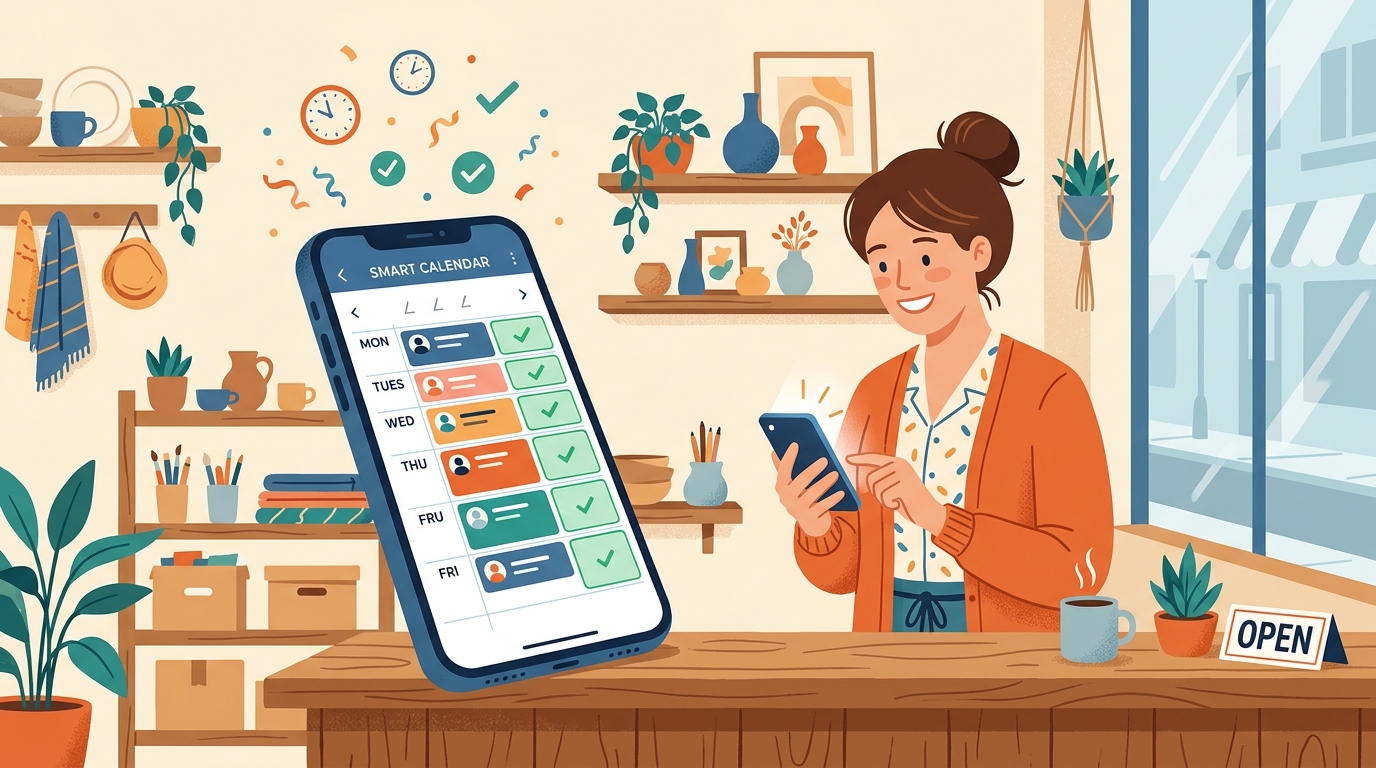
You connect it to your existing calendar and set your available hours, buffer time, and appointment types. From there, customers can see open slots and book directly through a link, a chat widget, or even a phone call – and the assistant handles reminders and reschedules on its own from that point forward.
Manual booking vs. AI scheduling
| Manual (phone/text) | AI scheduling assistant | |
|---|---|---|
| Availability | Business hours only | 24/7 |
| Back-and-forth needed | Often several messages | Usually one |
| Reminders | Manual, easy to forget | Automatic |
| Rescheduling | Requires a call/text | Self-serve |
How to set it up
- Connect your calendar and block out the hours you’re genuinely available.
- Define your appointment types and how long each one really takes, including buffer time.
- Turn on automatic reminders by text or email 24 hours and 1 hour before.
- Share your booking link everywhere customers already look for you – your website, social bio, and email signature.
Frequently asked questions
Will an AI scheduling assistant double-book my calendar?
A properly connected scheduling assistant reads your real-time calendar availability before offering a slot, so double-booking is rare as long as all your calendars are actually linked to it.
Can customers reschedule themselves?
Yes – most tools let the customer pick a new time from your open slots without needing to call or message you directly.
Does it work for group or resource-based bookings?
Many tools support booking specific staff members, rooms, or equipment, not just a single generic calendar – check this before committing if it matters for your business.
What happens if the AI assistant can’t answer a scheduling question?
Most services are built to hand off to a text message, email, or a human team member when a request falls outside normal booking, rather than guessing.
Final thoughts
You didn’t get into your business to spend your evenings trading texts about Tuesday at 2pm. Let the calendar handle the calendar – it’s one of the easiest wins in this whole AI-for-small-business conversation, and it pays you back in time almost immediately.
Not sure which scheduling tool fits your workflow? Reach out through deivyhernandez.com and let’s figure it out together.