

Quick answer
AI document data extraction uses OCR and language models to pull key fields from invoices, receipts, applications, and PDFs into spreadsheets, ERPs, or accounting tools. As of August 2026, small-business tools often start around $20–$99/month depending on page volume, and many teams cut manual entry time by half on repetitive paperwork.
Key takeaways
- Best first use cases: invoices, receipts, intake forms, and packing slips.
- Always spot-check totals and vendor names during the first weeks.
- Clean templates and consistent vendors improve accuracy quickly.
- Pricing often tracks monthly page volume; $20–$99 is a common SMB starting band in August 2026.
- Export into the system of record you already trust (Sheets, QuickBooks, etc.).
What is the paperwork tax on a small business?
Someone on your team is retyping numbers that already exist on a PDF. That quiet tax shows up as overtime, delayed books, and weekends lost to data entry. Document AI is like hiring a clerk who reads the page and fills the spreadsheet cells — while you keep approval power on the totals.
How does the tech work in plain English?
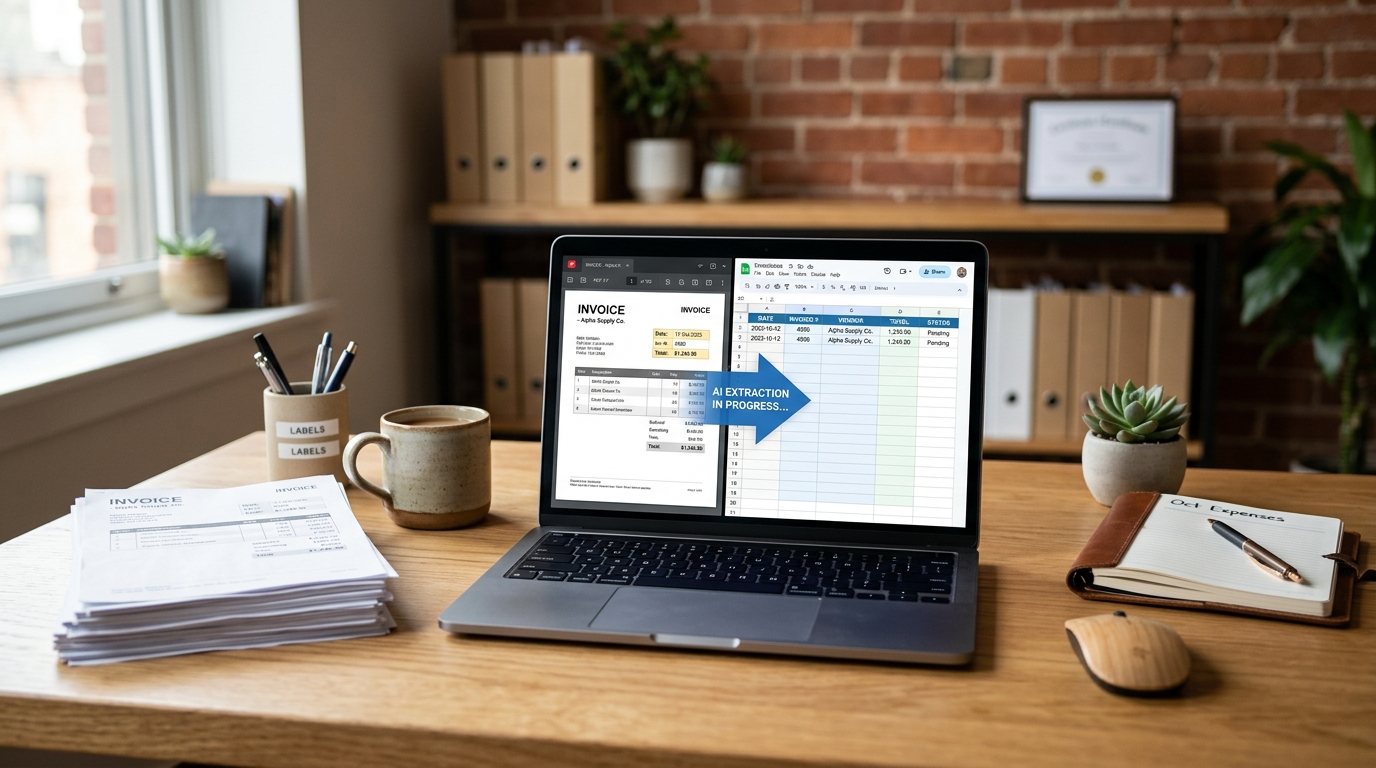
First it “sees” the page (OCR). Then it maps labels to values: this is the invoice number, that is the due date, these are line items. Finally it exports a structured row of data. You are not asking it to write poetry — you are asking it to file paperwork neatly.
Which documents are best to start with?
| Document | Why it works | Watch-outs |
|---|---|---|
| Vendor invoices | Repeat layouts | Verify totals |
| Receipts | High volume | Faded thermal paper |
| Applications / intake forms | Fixed fields | Handwriting quality |
| Packing slips | Ops speed | Multi-page edge cases |
How do you implement without chaos?
- One document type only for the pilot.
- Name fields exactly as your bookkeeper needs them.
- Store originals in a dated folder for audit trails.
- Require human confirmation above a dollar threshold.
FAQ
Is this the same as old OCR?
Classic OCR reads characters. Modern document AI also understands labels like invoice number, due date, and line items, which makes exports much more useful.
How accurate is it on messy scans?
Clear phone photos of flat pages work well. Crumpled paper, heavy handwriting, and dark images need more review.
Can it handle handwritten forms?
Some tools do, with lower confidence. Start with printed invoices if you want quick wins.
Where does the data go?
Usually CSV, Google Sheets, Excel, or direct integrations with accounting and storage tools you choose.
Is sensitive data protected?
Use business plans with encryption and access controls. Limit who can open extracted files containing personal or financial data.
Your pilot this month
Grab the last 20 invoices you entered by hand. Run them through a document AI trial. If the error rate is low enough that review is faster than typing, you just found hours every month.