

Quick answer
A receipt scanning app uses AI to read a photographed receipt and automatically log the vendor, amount, date, and category into your bookkeeping software. As of July 2026, most apps are free for basic use, with full accounting integrations running $10-$30/month.
Key takeaways
- Receipt scanning apps use AI (OCR) to pull vendor, amount, date, and category from a photo in seconds.
- Most apps sync directly with QuickBooks, Wave, or Xero, so nothing needs to be re-typed later.
- Digital receipts are searchable and far less likely to fade or get lost than paper ones.
- Basic scanning is often free; full accounting sync typically costs $10-$30/month.
- Scan receipts the same day you get them – it takes seconds and saves an end-of-month scramble.
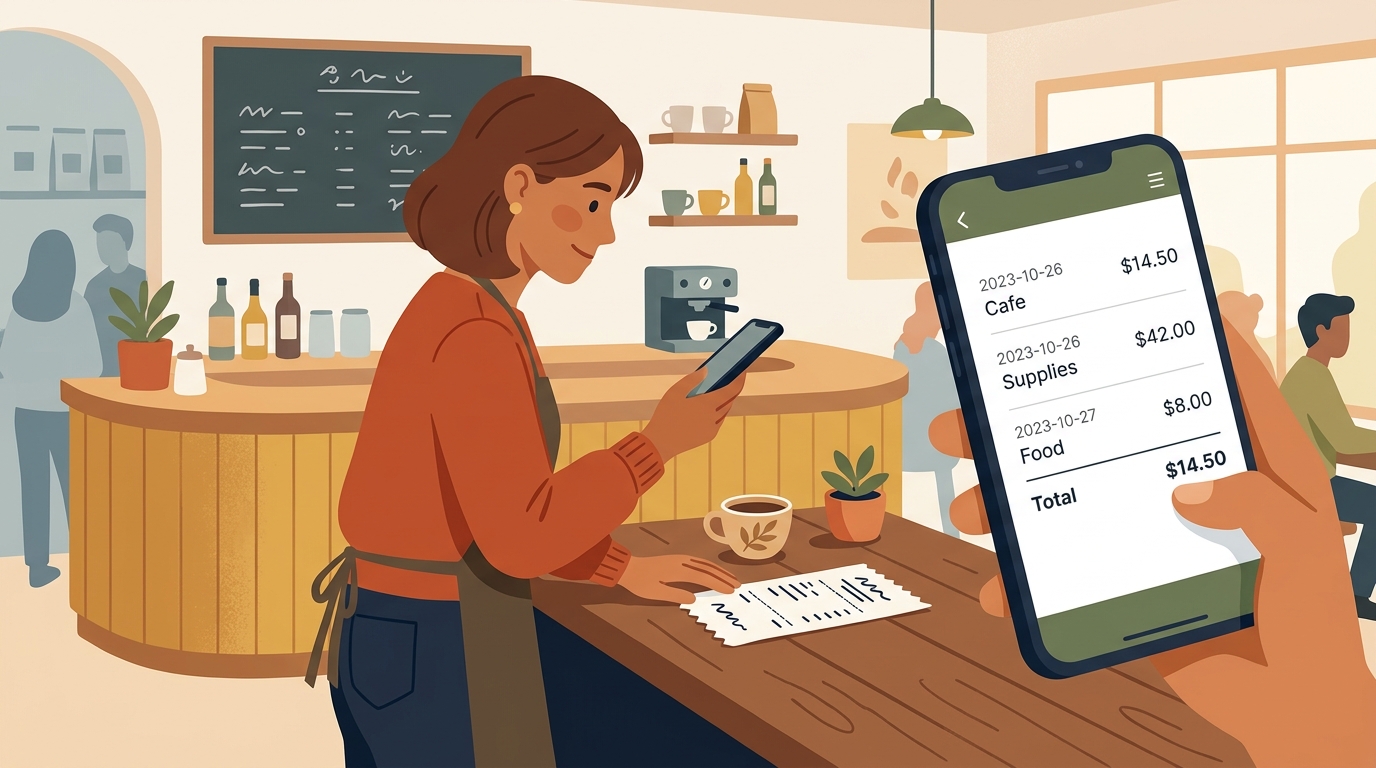
You know that shoebox – or that glovebox, or that jacket pocket – where receipts go to fade into blank little ghosts of paper? Every small business owner has one. A receipt scanning app is the simple fix: you snap a photo the moment you get the receipt, and it’s logged, categorized, and searchable before you’ve even started the car.
How does receipt scanning work?
The app uses AI-powered text recognition (OCR) to read the printed text on a receipt – vendor name, date, total, and often the tax amount – and organizes it into a proper expense entry. Some go a step further and guess the right expense category based on the vendor, the same way you’d instinctively know a gas station charge belongs under “fuel.”
Paper vs. digital receipt tracking
| Paper receipts | AI receipt scanning | |
|---|---|---|
| Searchable | No | Yes |
| Risk of fading/loss | High | Low |
| Categorization | Manual, later | Automatic, immediate |
| Tax season prep | Hours of sorting | Export in minutes |
How to start using one
- Pick an app that connects to your existing bookkeeping software so the data flows in one direction automatically.
- Make scanning a same-day habit – snap it right when you get the receipt, before it ends up in a pocket.
- Review your categories once a week at first, correcting anything the AI got wrong so it improves over time.
Frequently asked questions
How accurate is AI receipt scanning?
Modern receipt scanning apps are generally accurate for standard printed receipts, though handwritten or faded receipts sometimes need a quick manual correction.
Do I still need to keep the paper receipt?
For most everyday purchases, a clear digital scan is accepted as long as it captures all the required details – check guidance for any high-value purchases specific to your situation.
Can it sort expenses into the right category automatically?
Yes, most apps auto-categorize based on the vendor and past patterns, and let you correct the category if it gets one wrong so it learns for next time.
Does receipt scanning work for mileage and per diem too?
Many apps bundle receipt scanning with mileage tracking and per diem logging, which is convenient if your business involves regular travel.
Final thoughts
Bookkeeping doesn’t have to mean an afternoon lost to a pile of curling paper every quarter. A five-second habit today saves you a genuinely stressful afternoon later – and that trade is almost always worth making.
Curious which receipt-scanning setup fits your bookkeeping? Reach out through deivyhernandez.com.