

Quick answer
CRM automation software automatically logs leads, sends follow-up messages, and moves prospects through your sales pipeline without manual data entry, helping small businesses avoid losing leads to slow follow-up. Small business plans typically run $15-$100 per month as of July 2026.
Key takeaways
- CRM automation logs every new lead automatically instead of relying on someone to enter it manually.
- It can send an instant first reply, then follow up again in 24 and 72 hours if there’s no response.
- Leads move through your pipeline stages automatically as they take actions (booking a call, replying, etc.).
- Fast first response is one of the biggest factors in whether a lead actually converts.
- Small business CRM plans typically run $15-$100/month as of July 2026.
A lead who fills out your contact form on a Friday night and hears nothing back until Monday afternoon has usually already called two other businesses by then. It’s not that they didn’t want you – it’s that nobody got back to them fast enough. CRM automation is what makes sure that first reply goes out in minutes, not days, even when nobody’s at a desk.
How does CRM automation work?
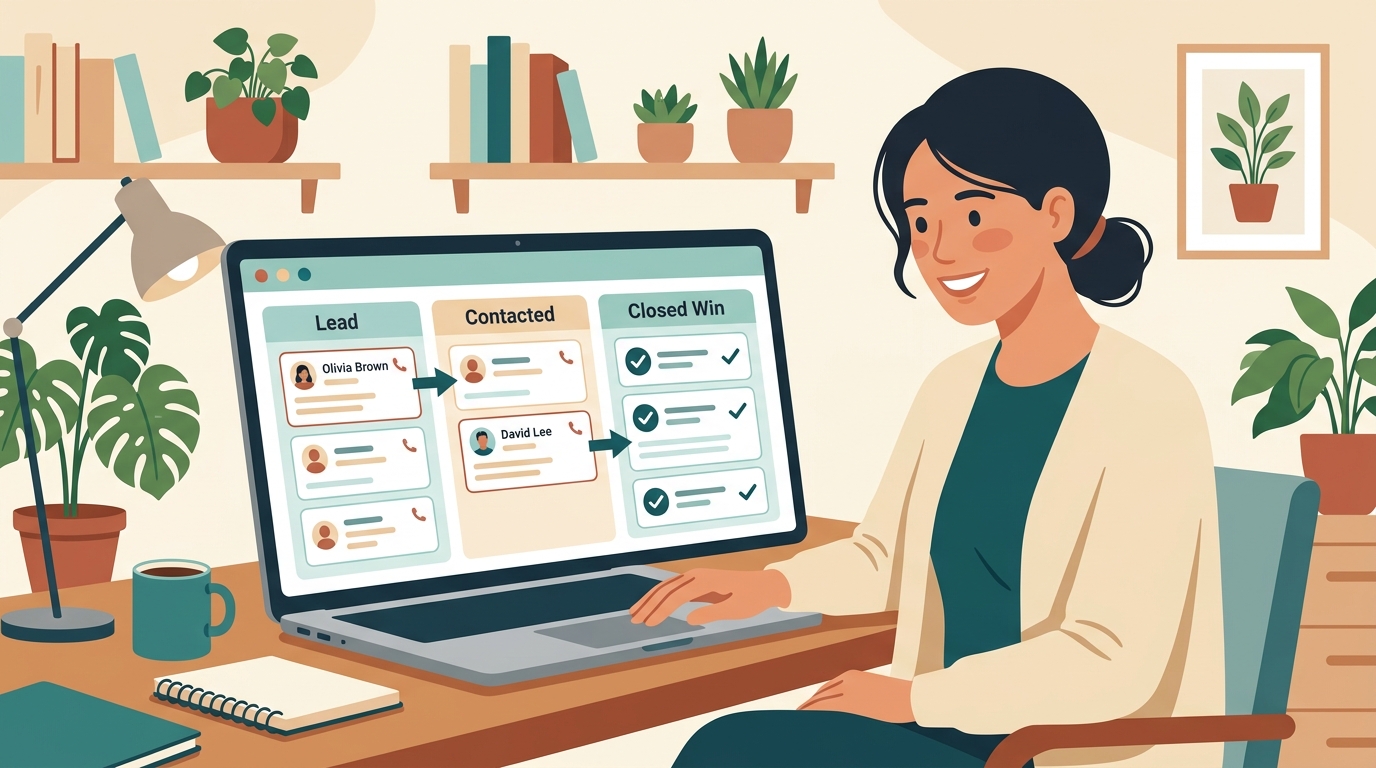
Whenever a new lead comes in – from a form, a call, or a chat – the system logs it automatically and can trigger an instant reply confirming you received their message. If there’s no response, it follows up again on a schedule you set, and moves the lead through your pipeline stages (new, contacted, quoted, won) based on what they do next.
How to set it up
- Connect your lead sources – your website form, phone system, and any ad platforms you use.
- Write a short, warm first-reply message that goes out automatically within minutes of a new lead.
- Set a follow-up sequence – for example, another message at 24 hours and again at 72 hours if there’s still no response.
- Define your pipeline stages so leads move automatically as they book a call, get a quote, or convert.
Frequently asked questions
How fast should a lead follow-up happen?
Responding within minutes of a lead coming in significantly increases the odds they’ll actually convert, compared to waiting hours or until the next business day.
Will automated follow-up feel robotic to leads?
A well-written, personalized-feeling message template usually comes across as responsive and professional rather than robotic, especially for the first quick reply.
Can it work alongside my existing CRM?
Many automation tools integrate directly with popular CRMs, adding follow-up sequences and pipeline automation on top of a system you already use.
What happens to leads that don’t respond at all?
Most systems let you set a final follow-up after a set number of attempts, then move the lead to a longer-term nurture list instead of continuing to chase indefinitely.
Final thoughts
You already do great work – the only thing standing between you and more of it is sometimes just being the first to reply. Let automation handle that first minute, so every lead gets the same fast, warm response, whether it comes in at 10am or 10pm.
Want help setting up lead follow-up automation for your business? Reach out through deivyhernandez.com.